
Images
An image in Ribalta is written as in Markdown: . The address can be an image stored by the program you write in or an https:// link.
Stored images
Section titled “Stored images”A stored image is referenced with asset: followed by its identifier. The program you write in takes care of storing the file and of writing this reference for you:
Write a description in brackets that says what the image shows.
External images
Section titled “External images”You can also use an image published on the web, with an address that starts with https://:
# Our office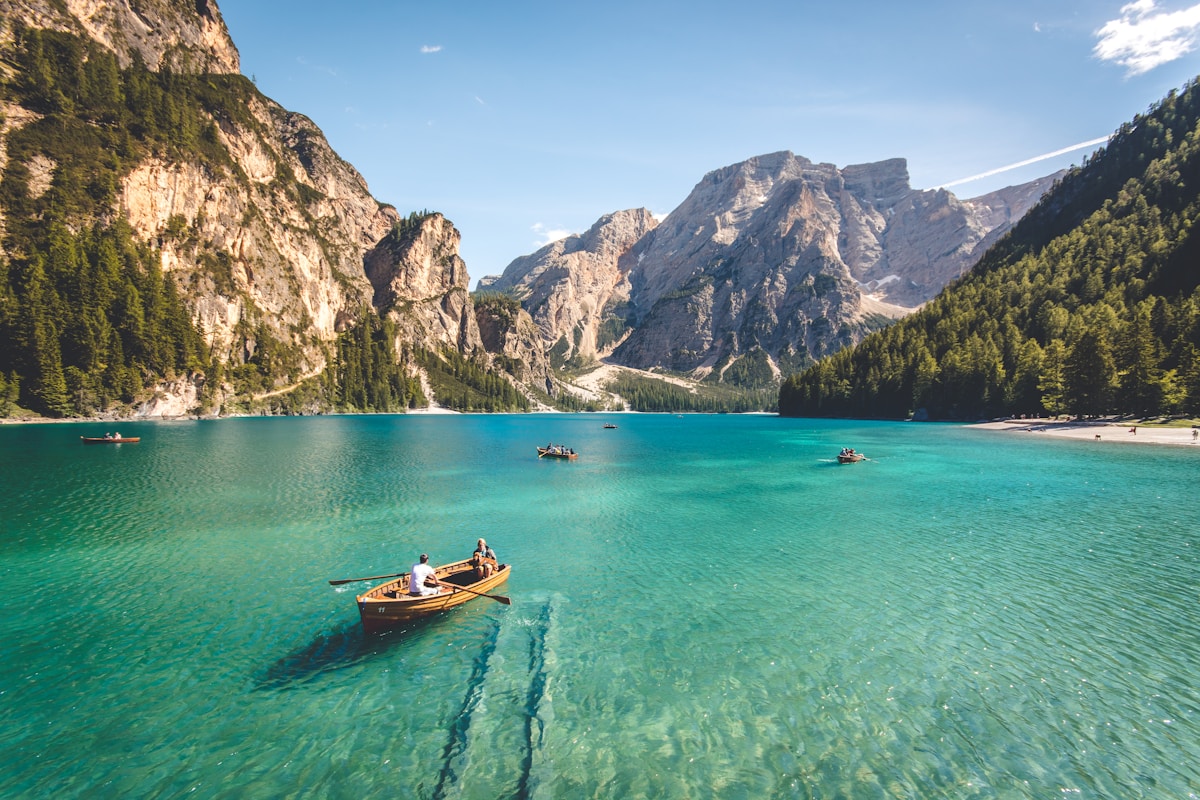{h=640 radius=lg}Adjusting the image
Section titled “Adjusting the image”An image on a line of its own is a block. Attributes go in braces, right after the address:
| Attribute | What it does |
|---|---|
fit=contain | Shows the whole image inside the area. This is the default. |
fit=cover | Fills the whole area, cropping the edges if needed. |
w, h | Width and height, in pixels (480), percentage (50%) or full. |
radius | Rounds the corners: sm, md, lg or pixels. |
shadow | Shadow: sm, md, lg or none. On its own, it means md. |
border | Border, such as border="4 accent". |
opacity | Transparency, from 0 to 1 or as a percentage. |
fit only makes a difference when the area has a different shape from the image, for example when you set both w and h:
::: columns {gap=lg}{fit=contain h=560}{fit=cover h=560 radius=lg shadow}:::To place text next to an image, use columns. See Layout.
Images within text
Section titled “Images within text”An image inside a paragraph flows with the text and is as tall as the letters. Attributes go right after it, with no space:
# PartnersSupported by: {radius=sm} Horizon Foundation {size=2xl}To change its size, change the paragraph size or set h on the image.
Background images
Section titled “Background images”The image attribute places an image in the background of a page or a block. It covers the whole area and stays centered:
--- {image=https://images.unsplash.com/photo-1501785888041-af3ef285b470?w=1200 color=white align=center}::: box {bg=ink/60 pad=xl radius=lg}# Planning 2027 {size=5xl}Annual leadership meeting {.lead}:::image accepts the same addresses as regular images: https:// or a stored image (image=asset:…).
--- {image=asset:3f2b8c1e-7a4d-4e9b-9c2a-1d5e6f7a8b9c}::: box {image=asset:3f2b8c1e-7a4d-4e9b-9c2a-1d5e6f7a8b9c h=400 radius=lg}:::Common errors
Section titled “Common errors”| Code | When it happens |
|---|---|
| R301 | Address not allowed: it does not start with https:// and is not a stored image (asset: followed by the identifier). |
| R301 | fit with a value other than cover or contain. |
| R209 | Unknown attribute on the image, such as fitt. |